








Discord bot · Fortnite locker viewer

Your entire Fortnite locker,
one command away.

VaultFN connects to your Epic account through Discord and renders your skins, emotes, pickaxes, gliders and more as clean, shareable showcases — sorted by rarity, valued in V‑Bucks, searchable in seconds.

We never see your Epic password. Login is handled by Epic; the bot stores only an encrypted device token.

Today's Item Shop

Live from Fortnite, updated daily.

View full shop →

Latest News

Straight from the game.

All news →
Fortnite: Runners Is Here!

Fortnite: Runners Is Here!

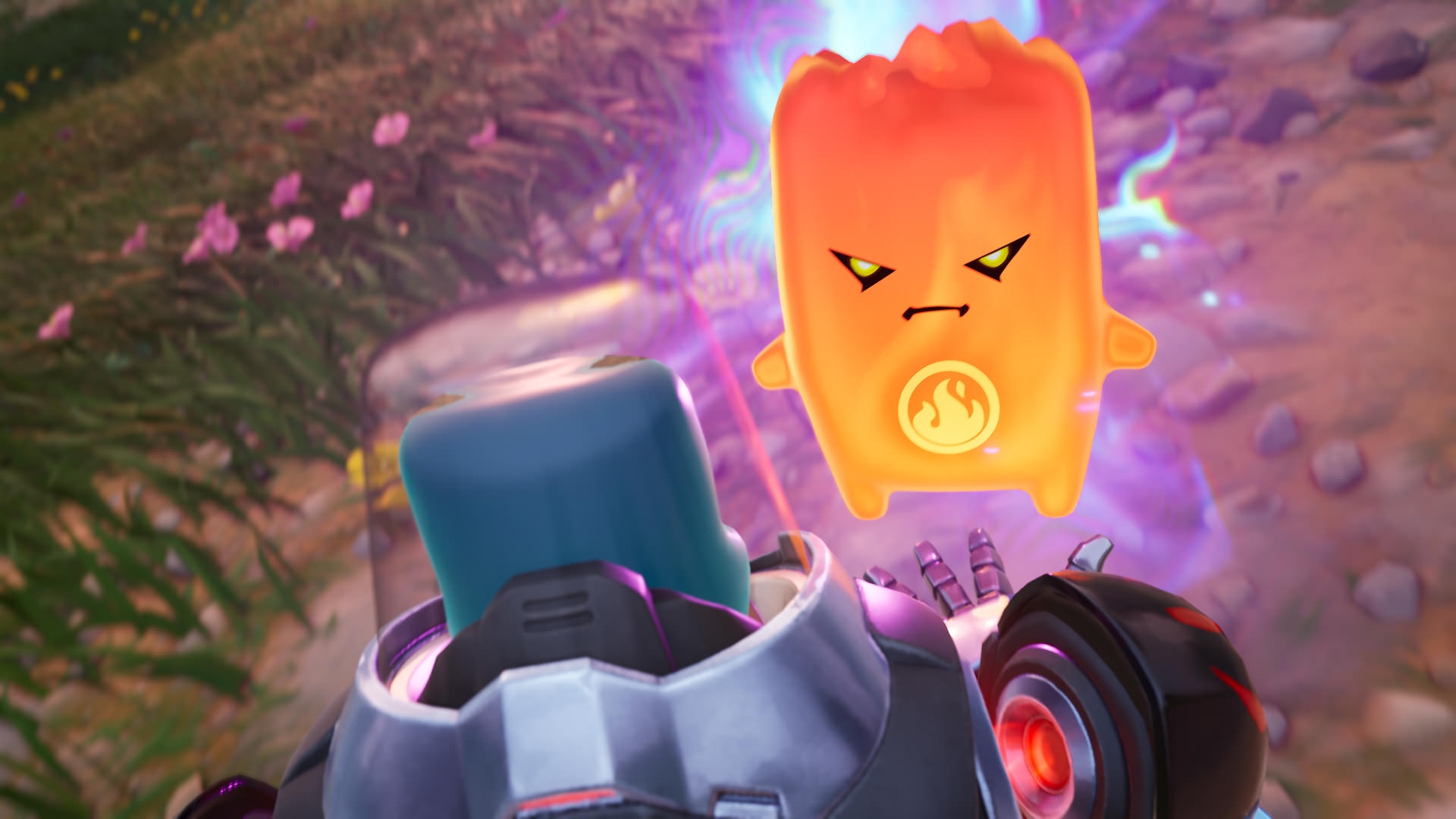
Extract. Survive. Repeat! Choose a Sprite before each match for a Sprite Power, and rescue more during a match to build your Collection. Take movement to new levels with the Seven Slider, unleash explosive rounds with the Chaos Exploder Rifle, and more!
Secure the Win With Sprites!

Secure the Win With Sprites!

Equip a Sprite before each match for a unique Sprite Power, like threat tracking or shield regeneration. Level them up through eliminations, opening chests, and reviving teammates for stronger effects, and secure new Sprites at Extraction Sites to build your Collection!

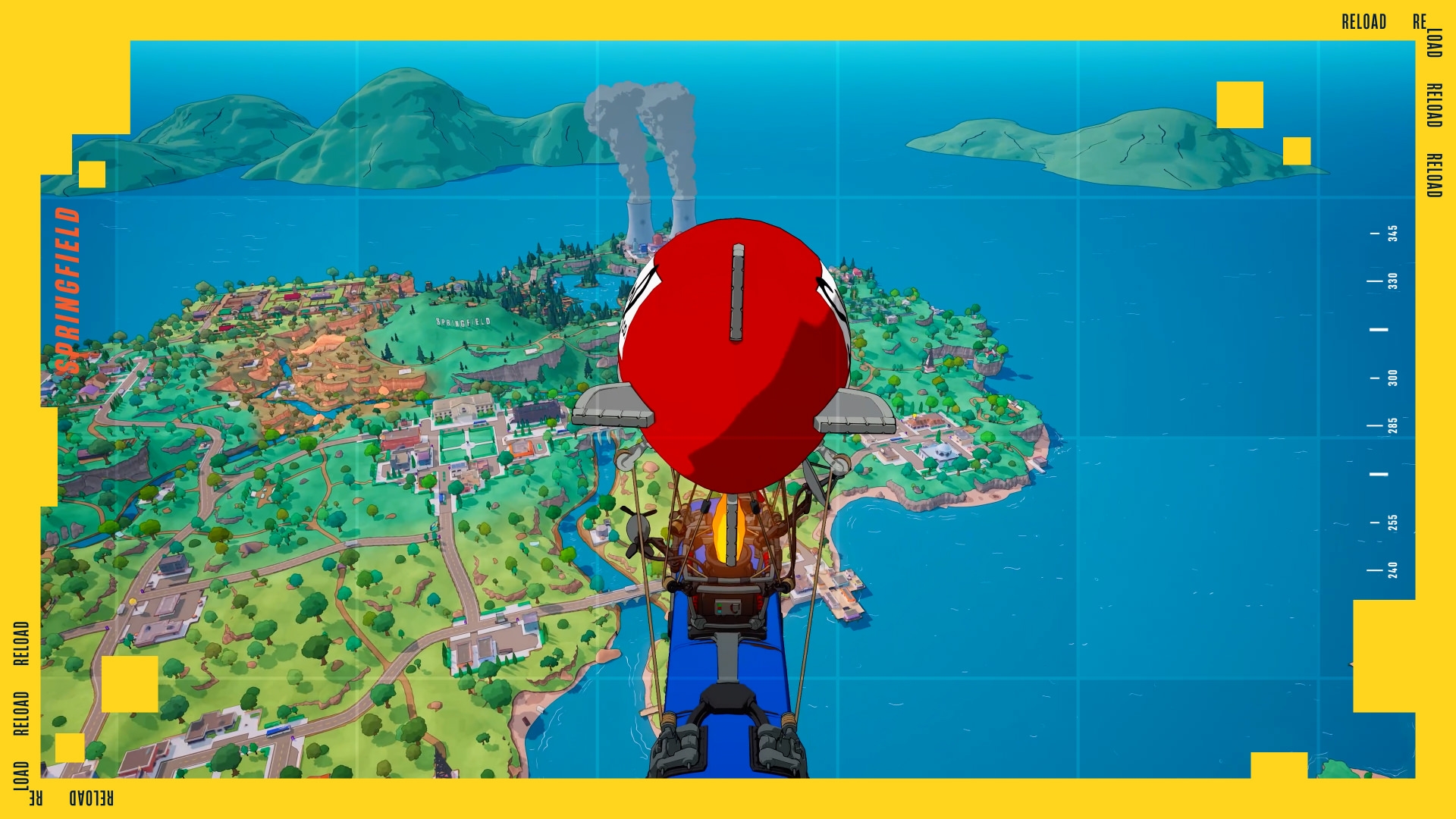
Step into Springfield in Reload - July 30

Step into Springfield in Reload - July 30

Yeah, we’re thinking we’re back.

Everything in your vault

VaultFN reads your real locker straight from Epic and turns it into something you can actually look at.

Full locker grids

Outfits, back blings, pickaxes, emotes, gliders, wraps, pets, vehicles and Festival gear — rendered as rarity‑sorted image grids.

Rarity & OG filters

Filter by Mythic, Legendary, Icon Series and more — or surface only your Chapter 1 OG cosmetics.

Locker value

Get an estimated V‑Bucks (and USD) value of your whole collection at a glance.

Search & compare

Search your locker by name, or compare collections with a friend to see who owns what.

Shop tracking

See today's item‑shop pieces you don't own yet, and keep a wishlist of the ones you want.

Shareable showcases

Post your rarest picks as a clean showcase image — perfect for flexing in your server.

How it works

1

Add the bot & /login

In Discord, run /login. You'll sign in on Epic's own page and paste back a short code — your password never touches the bot.

2

Login here with Discord

Click Login with Discord on this site. We use it only to know which Discord account is yours.

3

See your link status

Your dashboard shows whether your Epic account is connected through the bot — and (soon) lets you browse your locker right here.